Home Office Setup Essentials: A Work-From-Home Desk That Earns Its Space
A good home office is not the most expensive desk — it is the desk you can sit at for eight hours without aching, type on without fighting, and look good on camera from. Six picks, in the order you should buy them.
Buyer's Guide Summary
- Who it's for: remote workers, hybrid workers and creators setting up or upgrading a home desk — in a spare room, a corner, or a small apartment.
- The buy order: desk → mouse + keyboard → camera + light → microphone. Every step improves the workday the day it arrives.
- Watch out for: desk size (measure twice), keyboard noise on shared calls, and buying creator gear before the basics are right.
- Price note: this guide lists no static prices — check the live price on Amazon, and see the picks on the main trending list (desk, mouse, keyboard, mic, light, webcam).
Buy in this order, not all at once
The most common home-office mistake is buying everything in one cart. The desk decides everything else — its size limits your monitor, its height decides your chair, and its surface decides your keyboard. After the desk, the mouse and keyboard matter most because you touch them all day; then camera and light, because other people judge those; then the microphone, because bad audio ends calls faster than bad video. The picks below follow that order, and every one is already on the TrendingPicksUS list.
1. The desk: sit, stand, repeat
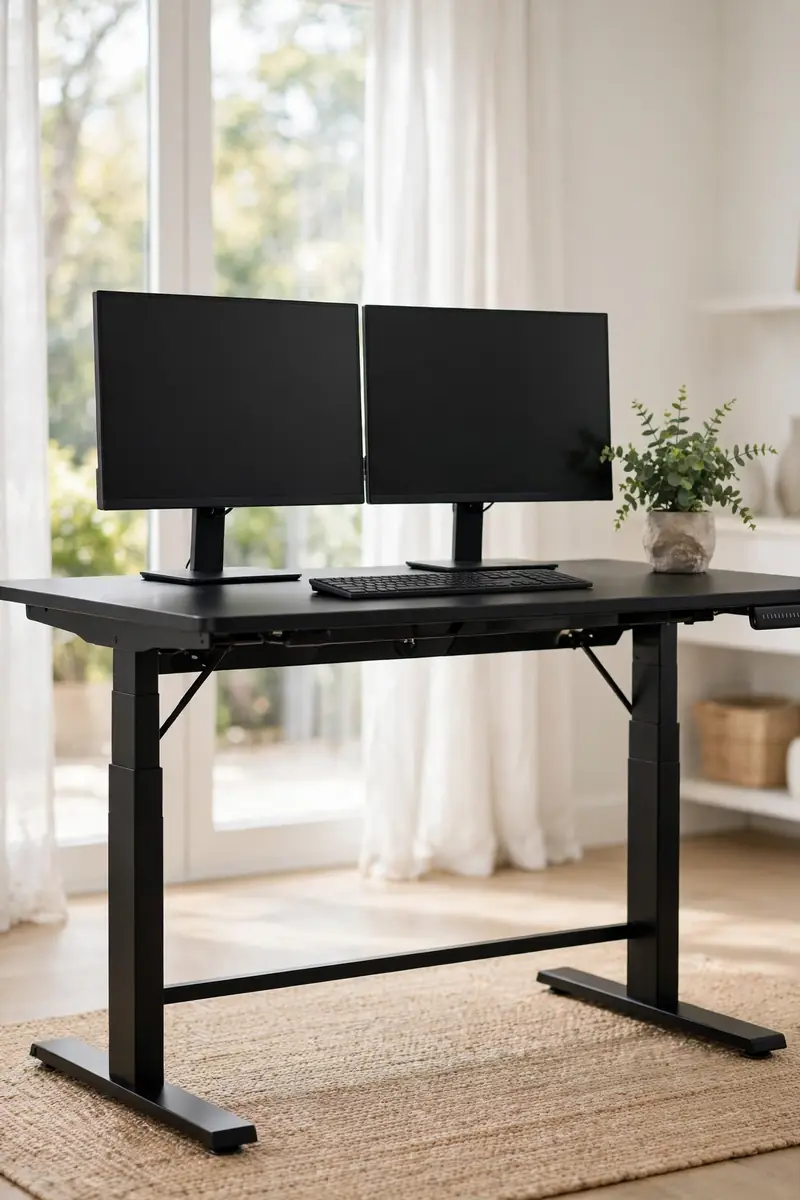
ErGear Height Adjustable Electric Standing Desk — 55 x 28 Inches, Black
The home-office upgrade for people who sit all day: an electric frame that moves between sitting and standing at the touch of a button, on a 55 x 28 inch top with room for a monitor, laptop and notebook. The point is not standing all day — it is switching effortlessly, which is what actually happens with an electric desk. Pros: Effortless sit-stand switching; generous top size. Con: Measure your space first — 55 inches needs a real wall, not a hallway corner.
Price: Check latest price on Amazon — Amazon prices change often, so the live price on the product page is the one that counts.
Ad — affiliate link
Amazon prices change often — check the live price on Amazon before buying.
2. The mouse: the long-day desk mouse
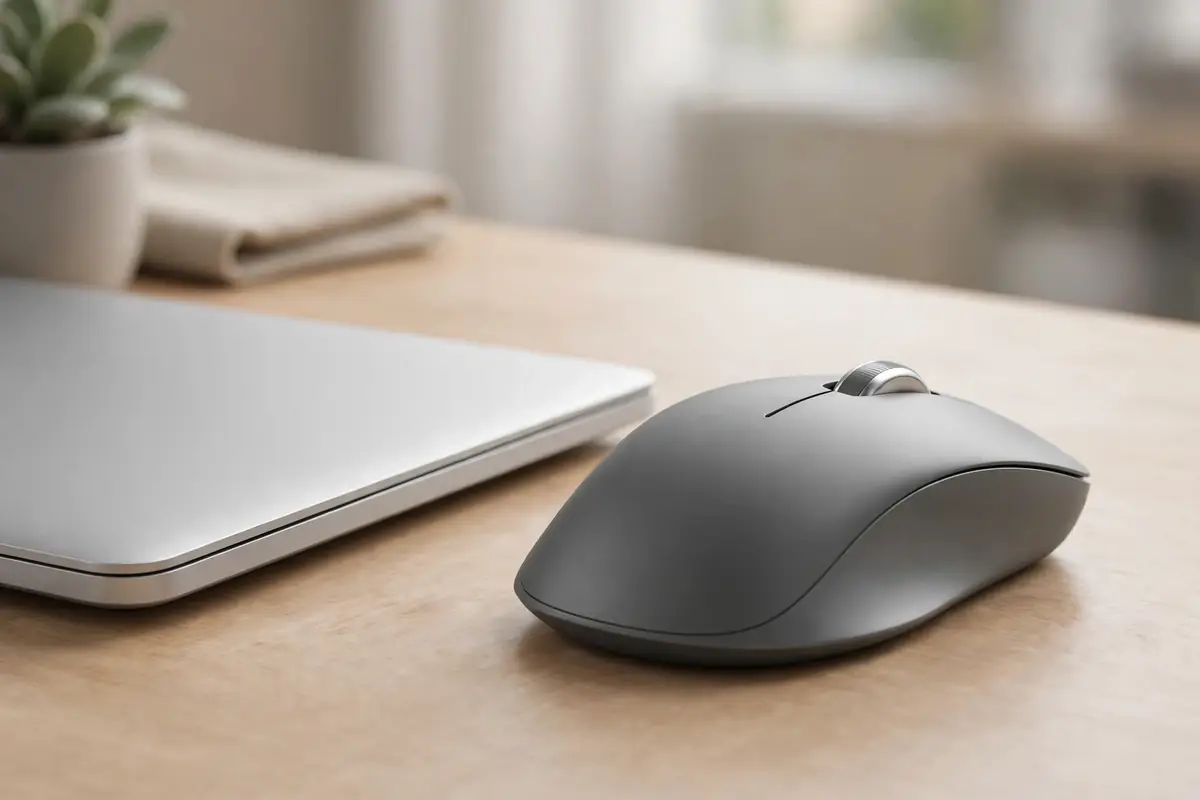
Logitech MX Master 3S Wireless Mouse — Graphite
Hybrid work settles in for winter, and this is the productivity mouse that settles with it: it tracks on glass, scrolls through long documents in one flick, and is shaped for full workdays rather than travel. If your wrist aches by 4 pm, the mouse is usually the culprit — this is the fix most desks reach for. Pros: Tracks on glass; quiet clicks; all-day shape. Con: It is a full-size mouse — small hands and tiny laptop bags should check the size first.
Price: Check latest price on Amazon — Amazon prices change often, so the live price on the product page is the one that counts.
Ad — affiliate link
Amazon prices change often — check the live price on Amazon before buying.
3. The keyboard: big typing feel, small footprint
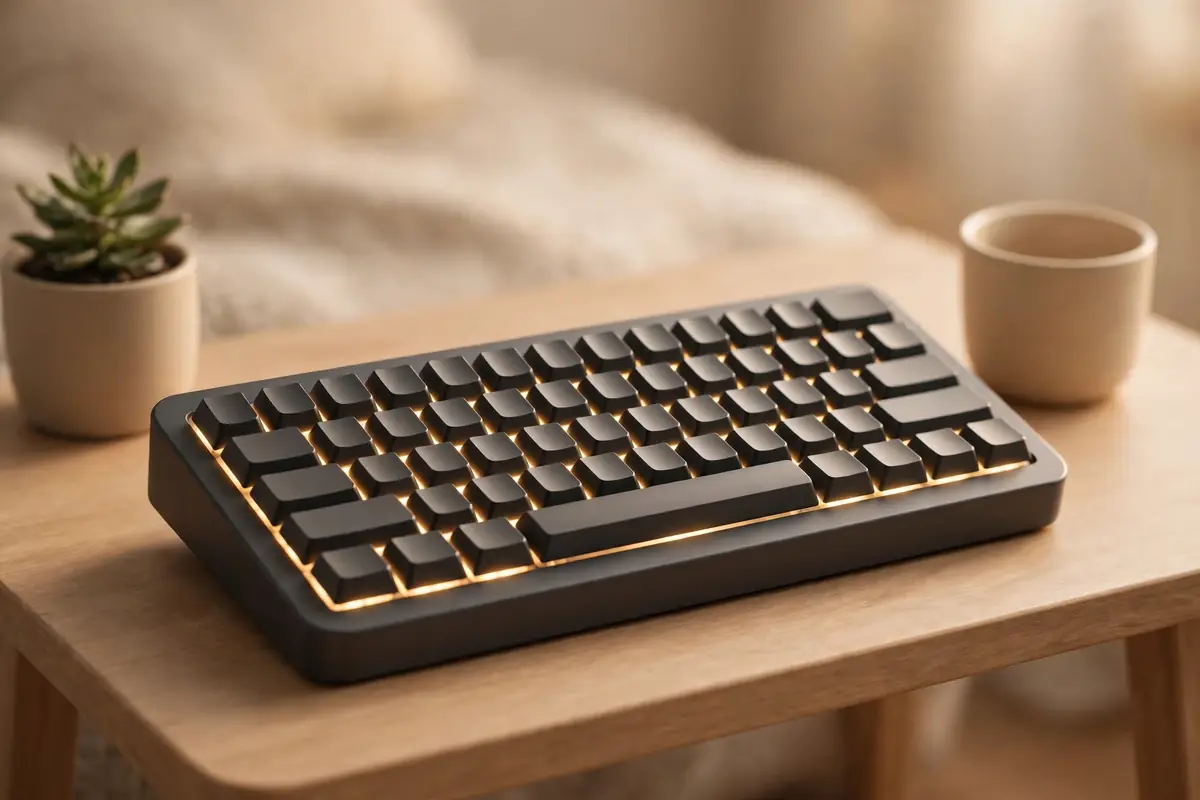
Keychron K2 Wireless Mechanical Keyboard — Version 2
Small desks and clean setups are the work-from-home trend, and this 84-key mechanical board is why: the typing feel of a full mechanical keyboard without the number pad eating half your desk. Wireless for a clean surface, wired when the battery runs low. Pros: Mechanical feel, small footprint, wireless + wired. Con: Mechanical switches are louder than laptop keys — on shared calls, mute between turns.
Price: Check latest price on Amazon — Amazon prices change often, so the live price on the product page is the one that counts.
Ad — affiliate link
Amazon prices change often — check the live price on Amazon before buying.
4. The camera: look like you mean it
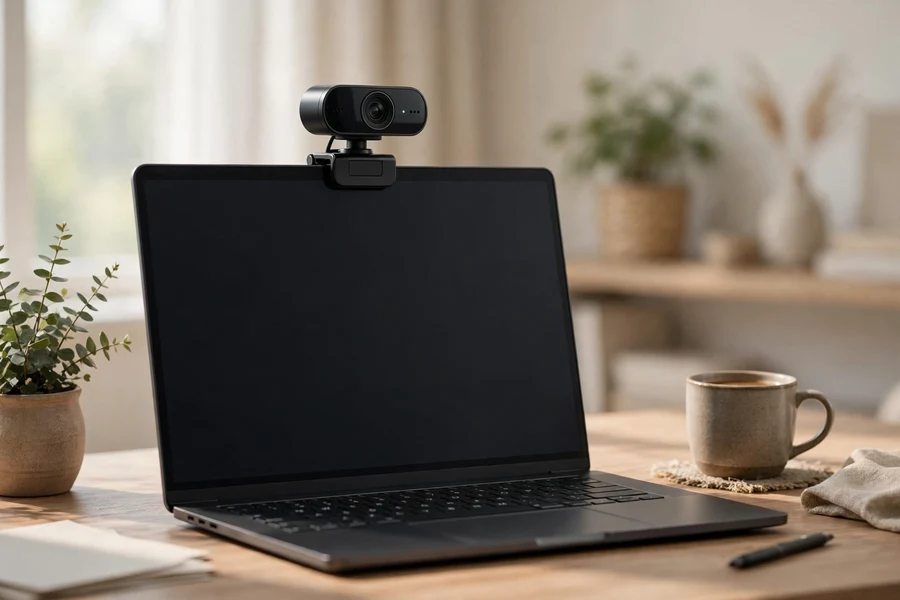
Logitech Brio 101 Full HD Webcam — Black
Remote work, classes and streaming all got clearer: Full HD 1080p with light correction and a privacy shutter, so you look sharp even in a dim room and can close the lens when the call ends. The work-from-home upgrade most people notice first — because everyone else on the call notices it. Pros: Sharp 1080p, light correction, privacy shutter. Con: It only fixes video — pair it with light (below) for the full effect.
Price: Check latest price on Amazon — Amazon prices change often, so the live price on the product page is the one that counts.
Ad — affiliate link
Amazon prices change often — check the live price on Amazon before buying.
5. The light: flattering light, instantly
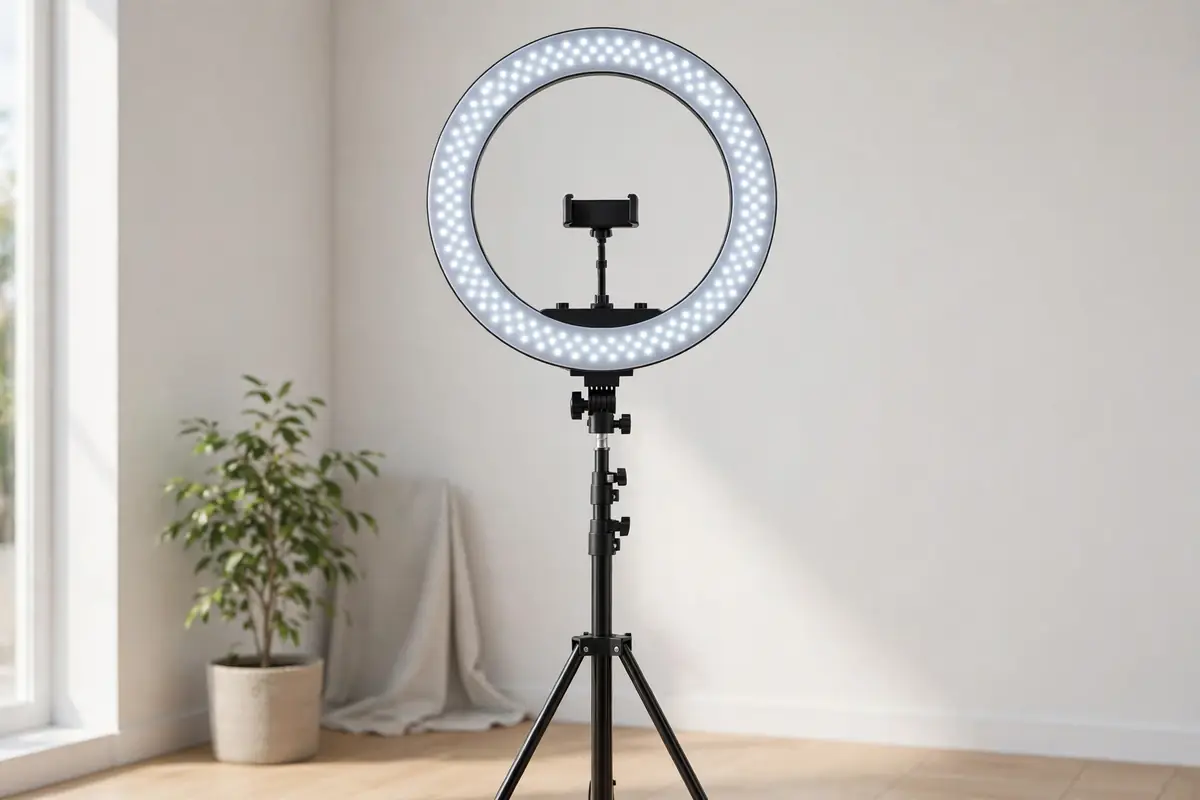
NEEWER 18-Inch Ring Light Kit RL-18 — 55W with Stand
Video calls, content and holiday video messages all look better lit: a full-size 18-inch ring light with stand that puts soft, even light on your face instead of the overhead glare that ages everyone. It is the cheapest way to look professional on camera. Pros: Big, even light; full kit with stand included. Con: 18 inches needs floor or desk space — measure before you buy.
Price: Check latest price on Amazon — Amazon prices change often, so the live price on the product page is the one that counts.
Ad — affiliate link
Amazon prices change often — check the live price on Amazon before buying.
6. The microphone: the podcasting standard
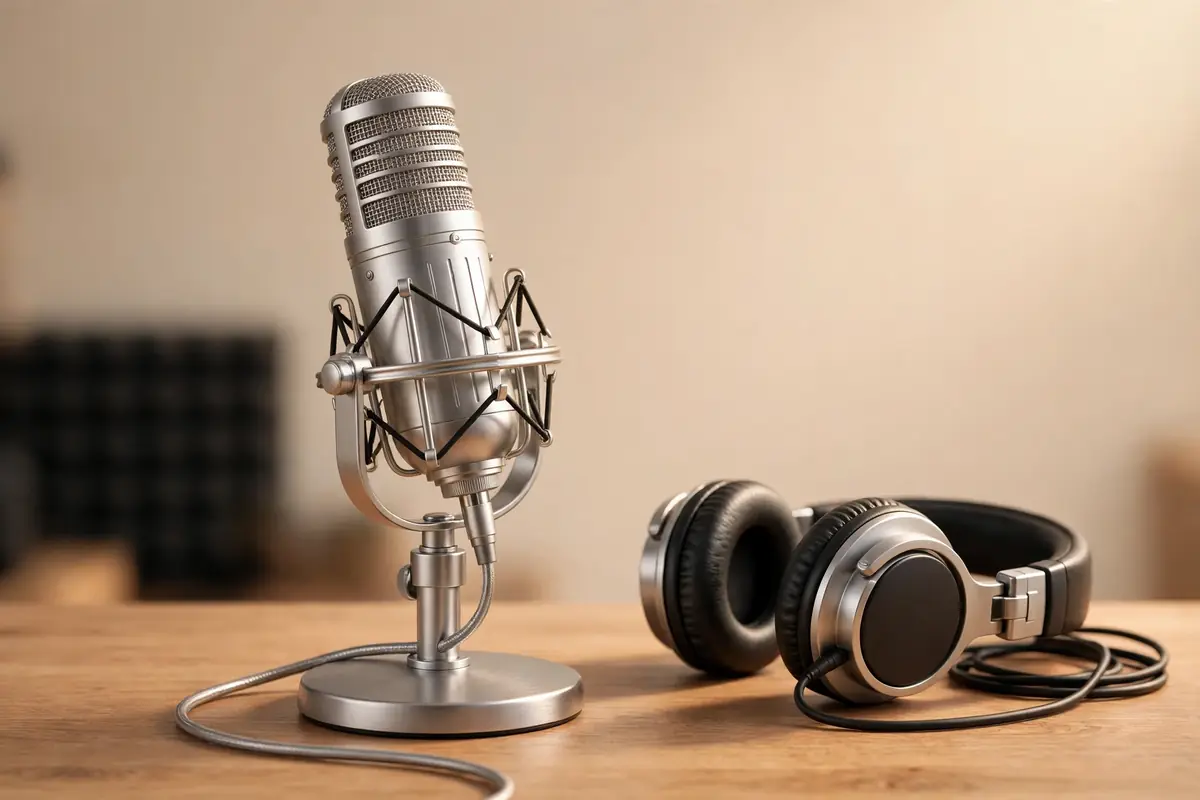
Blue Yeti USB Microphone — Silver
The microphone behind a decade of podcasts and streams: one USB mic that handles solo recording, interviews and calls, with patterns you switch on the back. Listeners forgive average video far more easily than bad audio — this is the upgrade that makes you sound like you mean it. Pros: One USB cable, no interface needed; multiple pickup patterns. Con: It picks up room noise too — record in a quiet room, not next to a fan.
Price: Check latest price on Amazon — Amazon prices change often, so the live price on the product page is the one that counts.
Ad — affiliate link
Amazon prices change often — check the live price on Amazon before buying.
The setup, compared
| Pick | Role | Buy it when | Watch out |
|---|---|---|---|
| ErGear Standing Desk | Foundation | You sit all day and want to switch | 55 inches needs a real wall |
| Logitech MX Master 3S | Daily input | Your wrist aches by afternoon | Full-size — check hand and bag size |
| Keychron K2 | Daily input | Your desk is small but you type a lot | Louder than laptop keys on calls |
| Logitech Brio 101 | Video | You are on camera daily | Needs light for the full effect |
| NEEWER RL-18 | Lighting | Your calls look dark or harsh | 18 inches needs space |
| Blue Yeti | Audio | You record, stream or present | Picks up room noise too |
Diagram: build your setup by how you work
Start from your workday, not from a shopping list. Each branch ends at the first purchase — buy that, use it for a week, then take the next branch.
Diagram: how we choose desk picks
Real-life scenarios: which pick fits you
The spare-room worker: ErGear desk + MX Master 3S + Keychron K2 is the complete foundation. Add camera and light only when calls become daily.
The kitchen-table worker: Keychron K2 + MX Master 3S pack away fast, and the Brio 101 clips onto any laptop. Skip the standing desk until you have a dedicated spot.
The new streamer: Blue Yeti + NEEWER light first — audio and light are what separate a watchable stream from a skip. The desk can wait.
The all-day caller: Brio 101 + ring light + Yeti, in that order. You will look lit, sound clear, and stop apologizing for your setup.
Frequently asked questions
Is a standing desk worth it for a home office?
For people who sit all day, yes — but only if you actually alternate. An electric desk like the ErGear makes switching effortless, which is the whole point: a standing desk you never raise is just an expensive fixed desk. Start with short standing intervals and build up.
What keyboard suits a small desk?
A compact 75% board such as the Keychron K2: it keeps the keys you use daily, drops the number pad, and frees space for the mouse. Wireless connection keeps the desk clean, and mechanical switches give a far better typing feel than a flat laptop keyboard.
Do I need a separate microphone for video calls?
If you only join calls, a good webcam mic is enough. If you record, stream or present, a USB mic like the Blue Yeti is the single biggest audio upgrade — listeners forgive average video far more easily than bad audio.
What order should I buy a home office setup in?
Desk and chair position first, then mouse and keyboard (you touch them all day), then camera and light (people see you), then microphone (people hear you). Buy in that order and every purchase improves the workday immediately.
Keep reading
About the author & how we research
Author: the TrendingPicksUS editorial team — an independent US shopping blog tracking what America is actually buying on Amazon, with honest pros, cons and value notes.
Research methodology: picks are researched from Amazon listings, best-seller and movers-and-shakers movement, US deal coverage, and customer review themes (ratings and review counts as summarized from that coverage). We compare stated specifications and the trade-offs buyers actually mention — size, noise, room echo, and posture — rather than repeating marketing claims.
Important honesty note: our team has NOT physically tested these products. No hands-on testing claim is made anywhere in this article; verdicts come from listing data and review themes, not from personal use. Amazon prices change constantly, so this article lists no static prices — always check the live price on Amazon before buying.